
How Two-Factor Authentication Works and Why You Should Use It
Let’s be real for a second: we are all terrible at passwords. I know, I know you probably have one that you think is pretty clever. Maybe it’s your childhood dog’s name mixed with the year you graduated high school and an exclamation point at the end. It feels secure, right? But here is the uncomfortable truth: to a modern hacker (or more accurately, a hacker’s automated bot), that password is about as secure as a screen door on a submarine.
We live in a world where data breaches are becoming as common as traffic jams. Every other week, a major company announces that millions of user accounts have been compromised. If your password is in one of those leaks and statistically, it probably is hackers can try that same email and password combination on your bank account, your social media, and your email. It’s a domino effect. One knock, and your entire digital life falls apart. This is where Two-Factor Authentication, or 2FA, swoops in like a digital bodyguard to save the day. It’s the single most effective thing you can do to protect yourself online, and it’s surprisingly simple to understand once you strip away the tech jargon.
The "Two Locks" Analogy
So, what exactly is 2FA? Think of your online account like a safety deposit box in a bank vault. Your password is the key to that box. If you lose that key, or if someone steals it, they can walk right in, open the box, and take everything. That is "Single-Factor Authentication." It relies entirely on one thing: the key.
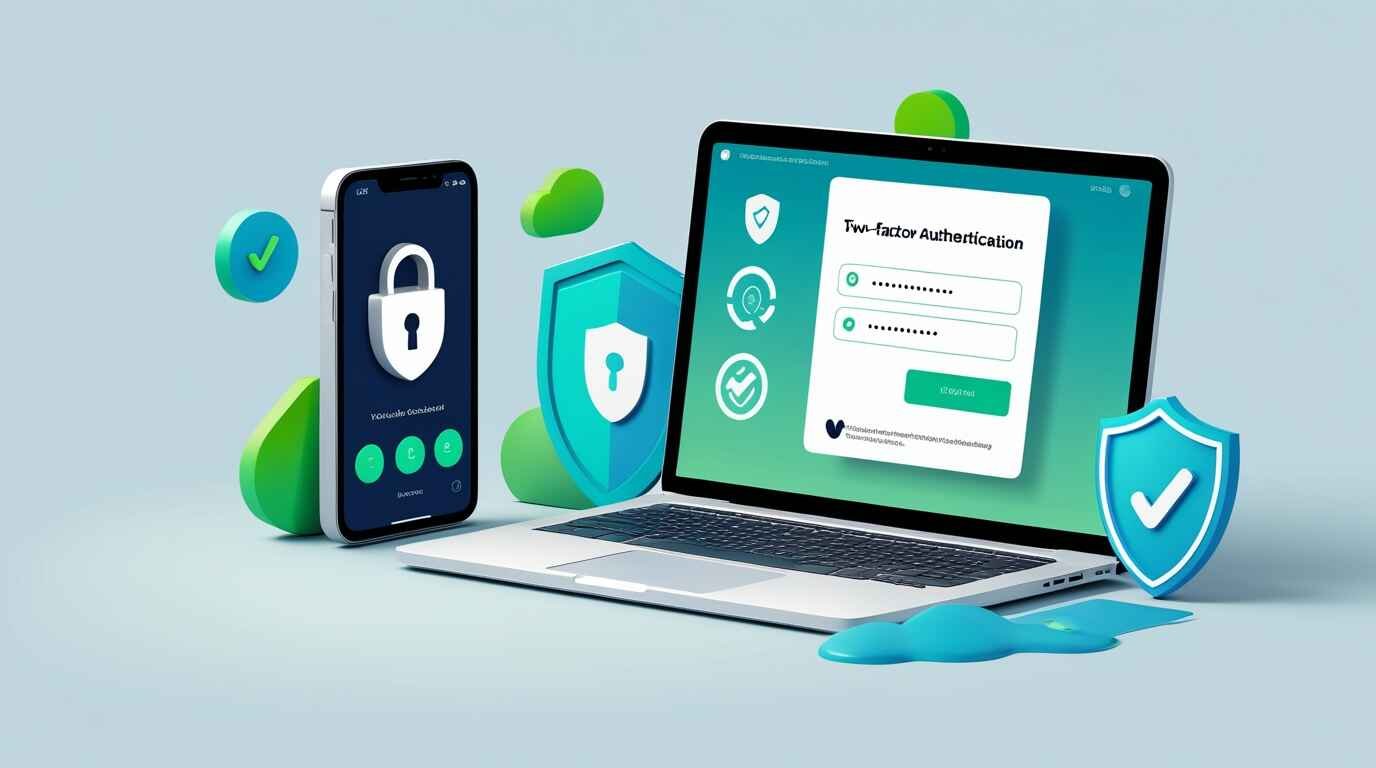
Two-Factor Authentication adds a second requirement. Now, to open that box, you need the key (your password) and you need to scan your fingerprint (the second factor). Even if a thief steals your key, they are stuck standing outside the box because they don't have your fingerprint. In the digital world, this second factor is usually a code sent to your phone, a prompt on an app, or a physical USB stick. It proves that you are actually you. It’s based on a simple security concept: combining something you know (your password) with something you have (your phone or security key). It creates a barrier that is exponentially harder to break than a password alone.
Breaking Down the "Factors" of Authentication
To really get why this works, we have to look at what security experts mean when they talk about "factors." There are generally three main categories of evidence you can provide to prove your identity. 2FA works by forcing you to provide two different types from this list. If you just had two passwords, that’s not 2FA; that’s just two of the same factor.
Here is how the factors are typically categorized in the security world:
- Something You Know: This is the standard stuff. Passwords, PINs, or the name of your first grade teacher. It’s information stored inside your brain.
- Something You Have: This is a physical object. It could be your smartphone, a specific SIM card, a hardware token (like a YubiKey), or even a credit card.
- Something You Are: This is biological. Fingerprints, Face ID, retinal scans, or voice recognition. It’s inherent to your physical body.
By mixing these up usually "Something You Know" plus "Something You Have" you create a defense system that requires a hacker to pull off a Mission Impossible-style heist (stealing your password and your physical phone) rather than just guessing a word.
The Most Common Method: SMS Codes
You have almost certainly used this before. You log into your bank, and a screen pops up saying, "We sent a 6-digit code to your mobile number ending in 1234." You check your texts, type in the code, and you’re in. This is the entry-level version of 2FA, and while it is popular, it has a bit of a mixed reputation among security pros.
On one hand, it is infinitely better than having no 2FA at all. It stops the lazy hackers who just bought a list of passwords on the dark web. They try to log in, they hit the 2FA wall, and they move on to an easier target. However, SMS has flaws. It relies on the cellular network, which isn't encrypted. Sophisticated hackers can perform "SIM Swapping" attacks, where they trick your mobile carrier into switching your phone number to their SIM card. If they do that, they get your text messages, including your login codes. So, while SMS 2FA is good, it’s not bulletproof. Think of it as a chain-link fence: it keeps honest people out, but a determined intruder with wire cutters can get through.
Leveling Up: Authenticator Apps
If SMS is a chain-link fence, an Authenticator App is a reinforced steel door. You might have heard of apps like Google Authenticator, Authy, or Microsoft Authenticator. Instead of waiting for a text message, these apps live on your phone and generate a new code every 30 seconds, even if you are offline or in Airplane Mode.
The magic here is in how they are set up. When you enable 2FA on a site like Facebook or Amazon, they show you a QR code. You scan it with your app. This establishes a secret link between that website and your specific phone. The website and your phone now share a secret math formula. Every 30 seconds, they both do the math and come up with the same 6-digit number. When you type that number in, the site knows it must be you because only your phone has the secret formula. Because this code is generated locally on your device and never sent over the airwaves, it is immune to SIM swapping or interception. It is faster, safer, and honestly, it makes you feel like a secret agent every time you watch the timer count down.
The Gold Standard: Hardware Security Keys
If you want to go full "Fort Knox" and frankly, if you have high-value accounts like cryptocurrency or sensitive business data, you should then you need a hardware security key. This is a tiny physical device, usually a USB stick (like a YubiKey) that hangs on your keychain.
With this method, there are no codes to type. You simply plug the key into your computer (or tap it against your phone using NFC) when prompted, and press a button on it. That’s it. The device sends a complex, encrypted cryptographic proof to the website. This is virtually unhackable remotely. A hacker in a basement in another country cannot steal your physical keychain. They would need to physically rob you to access your account. While it costs money to buy the key (usually around $50), the peace of mind is unmatched. It also protects you against phishing sites. If you accidentally click a fake link that looks like Google, your hardware key will know the difference and refuse to sign you in.
Why People Still Avoid It (And Why They Are Wrong)
Despite all these benefits, adoption of 2FA is still frustratingly low. Why? Usually, it comes down to friction. We are impatient creatures. Adding an extra five seconds to the login process feels like an eternity when we just want to check our email. We tell ourselves, "It’s too annoying," or "I don't have anything worth stealing."
Let’s address the "nothing to hide" fallacy. You might think your email account is boring. But your email is the master key to your entire life. If a hacker gets into your email, they can hit "Forgot Password" on every other service you use your bank, your shopping accounts, your healthcare portal. They can lock you out of your own life in minutes. That extra five seconds of "annoyance" is the insurance premium you pay to avoid hundreds of hours of nightmare cleanup. Plus, most devices now have "Trusted Device" settings. This means you only have to do the 2FA check once every 30 days on your personal laptop. You aren't doing it every single time, which strikes a perfect balance between security and convenience.
The Fear of Getting Locked Out
The other big fear people have is, "What if I lose my phone?" It’s a valid concern. If your phone is your key, and you drop it in the ocean, are you locked out of your accounts forever? No. Every service that offers 2FA also offers "Backup Codes" (sometimes called Recovery Codes).
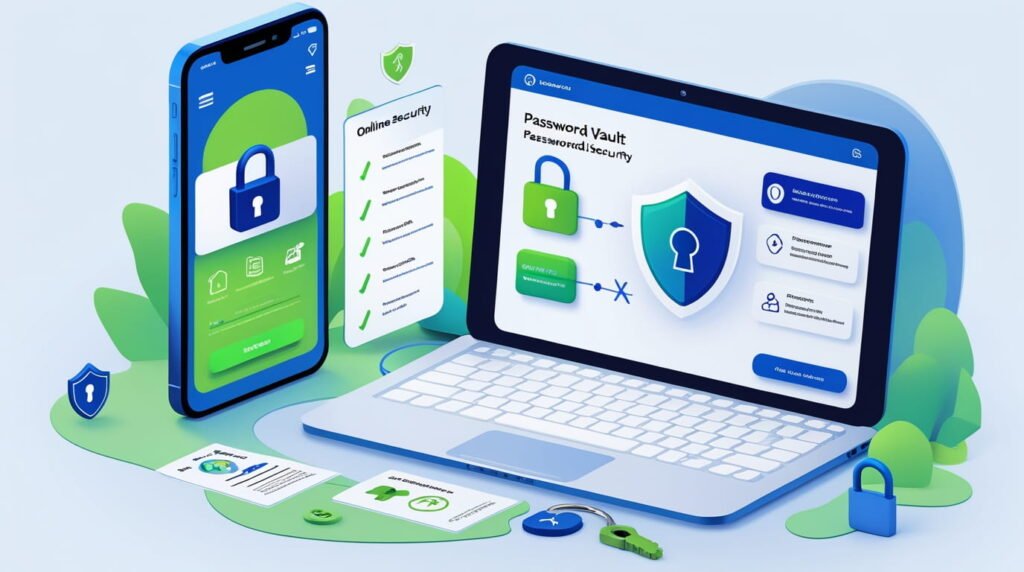
When you first set up 2FA, the site will usually show you a list of ten codes and say, "Print this out or save it somewhere safe." Do not ignore this step! These are your emergency keys. If you lose your phone, you can use one of these codes to get in and turn off 2FA or set it up on a new phone. I recommend printing them out and putting them in a physical folder in your house, or saving them in a secure, encrypted notes app. As long as you have these codes, you are never truly locked out. It requires a little bit of responsibility, but isn't your digital identity worth that small effort?
Biometrics and the Future: Passkeys
We are currently in a transition period. While 2FA is essential right now, the future is moving toward something even better: Passkeys. You might have seen this pop up on Apple or Google devices recently. Passkeys effectively merge the password and the 2FA into one seamless step using biometrics.
When you use a Passkey, your phone uses your face or fingerprint to unlock a cryptographic key stored on the device. It sends that key to the website. There is no password to type, and no code to enter. It is "Something You Have" (the phone) + "Something You Are" (your face) happening instantly. It is phishing-resistant and incredibly fast. Until Passkeys are supported everywhere, 2FA is your best defense, but keep an eye out for this shift. It is going to make the internet both safer and easier to use, which is a rare combination in the tech world.
Conclusion: Just Turn It On
At the end of the day, security is a game of economics. Hackers are lazy. They are looking for the low-hanging fruit the unlocked doors and the open windows. By turning on Two-Factor Authentication, you are effectively putting a deadbolt on your digital door and getting a big dog that barks.
Will it stop the NSA or a super-spy? Maybe not. But it will stop 99.9% of the attacks that regular people face every day. It is free, it is easy to set up, and it protects your money, your reputation, and your memories. So, do yourself a favor today. Go to the security settings of your email and your bank, find the "2-Step Verification" toggle, and flip it on. Your future self will thank you when you get that notification of a blocked login attempt and realize you just dodged a bullet.
Frequently Asked Questions (FAQ)
1. Is 2FA the same as Two-Step Verification?
Essentially, yes. Companies use different names for marketing purposes. Google often calls it "2-Step Verification," while others call it "Multi-Factor Authentication" (MFA) or "2FA." They all refer to the same concept: requiring a second piece of evidence to prove your identity beyond just your password.
2. Can I use 2FA if I don't have a smartphone?
Yes, though it is slightly harder. You can use a hardware security key (like a YubiKey) which plugs into a USB port on a computer. Some services also offer the option to receive a phone call to a landline with the code, or they can email the code to a secondary email address (though email 2FA is less secure than other methods).
3. What happens if my battery dies and I need a code?
If you use an Authenticator App or SMS, you generally need a working phone. However, this is where those "Backup Codes" come in handy. You can also set up 2FA on multiple devices; for example, you can have Authy installed on both your phone and your desktop computer, so if your phone dies, you can generate the code on your laptop.
4. Does 2FA make me 100% unhackable?
No security measure is 100%. If a hacker tricks you into downloading malware that records your screen, they might see you type the code. Or, if they physically steal your unlocked phone, they have access. However, 2FA makes you significantly harder to hack. It eliminates the vast majority of automated and remote attacks, which are the most common threats.
5. Which Authenticator App is the best one to use?
Google Authenticator is the most basic and popular, but it has historically lacked a cloud backup (though they recently added one). Authy or Bitwarden are often recommended because they allow you to sync your codes across multiple devices and have robust backup options, making it easier to switch phones without losing your codes.